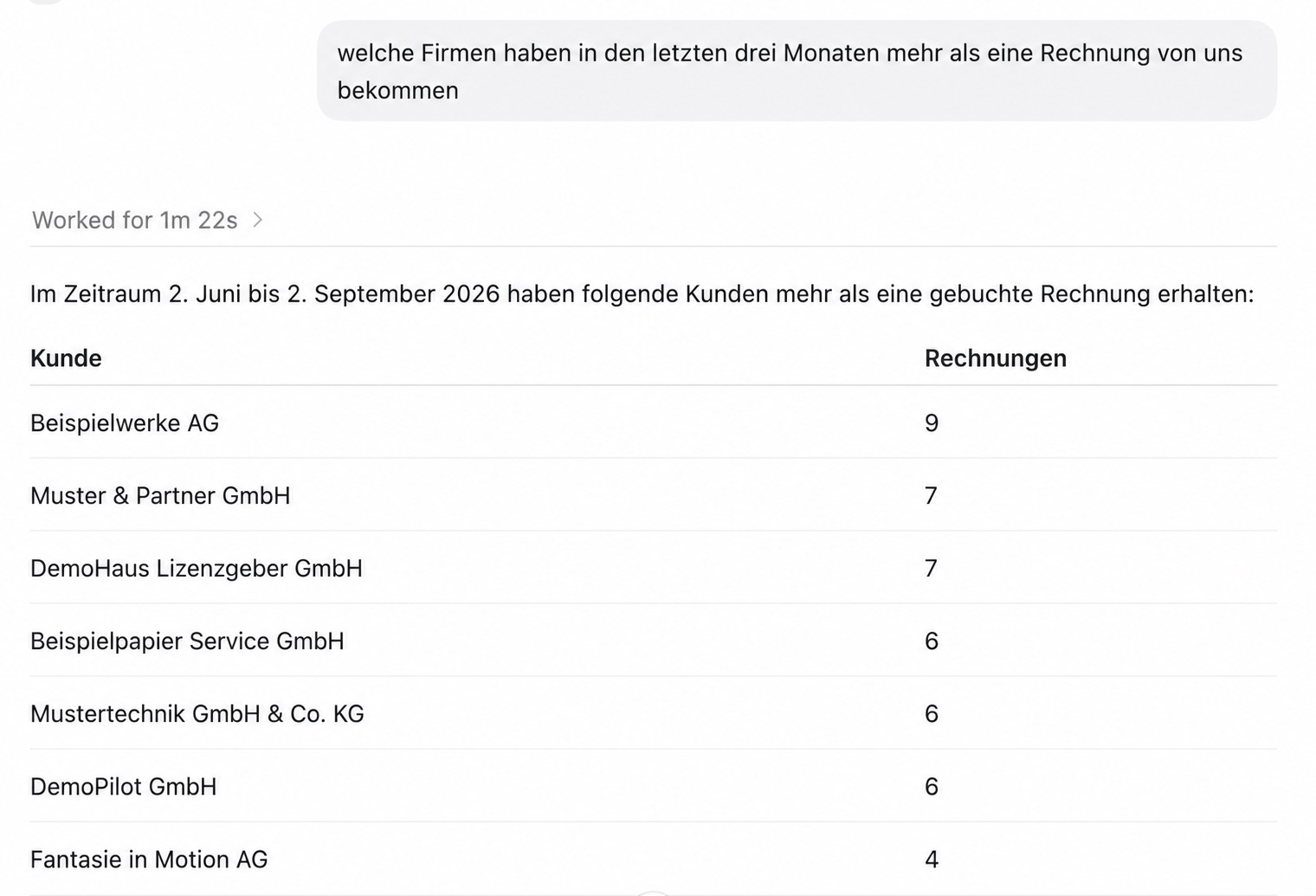
 Fictional sample data
One dialogue. Two possibilities.
Understand what is happening in Odoo. Then work on it together.
The AI assistant becomes an accessible workspace for data, relationships and selected tasks.
The connection
One controlled gateway for MCP-compatible AI assistants.
The server translates dialogue into clearly defined access to Odoo. It is not tied to a single AI interface.
Your AI workspace
Questions and tasks in natural language.
deenovum Odoo MCP Server
Checks, structures and executes permitted tools.
Odoo
Data, website and defined business processes.
Development and production
Experiment safely. Publish with control.
Drafts and changes are prepared in a separate development environment. Only after review is the connection deliberately switched to production.
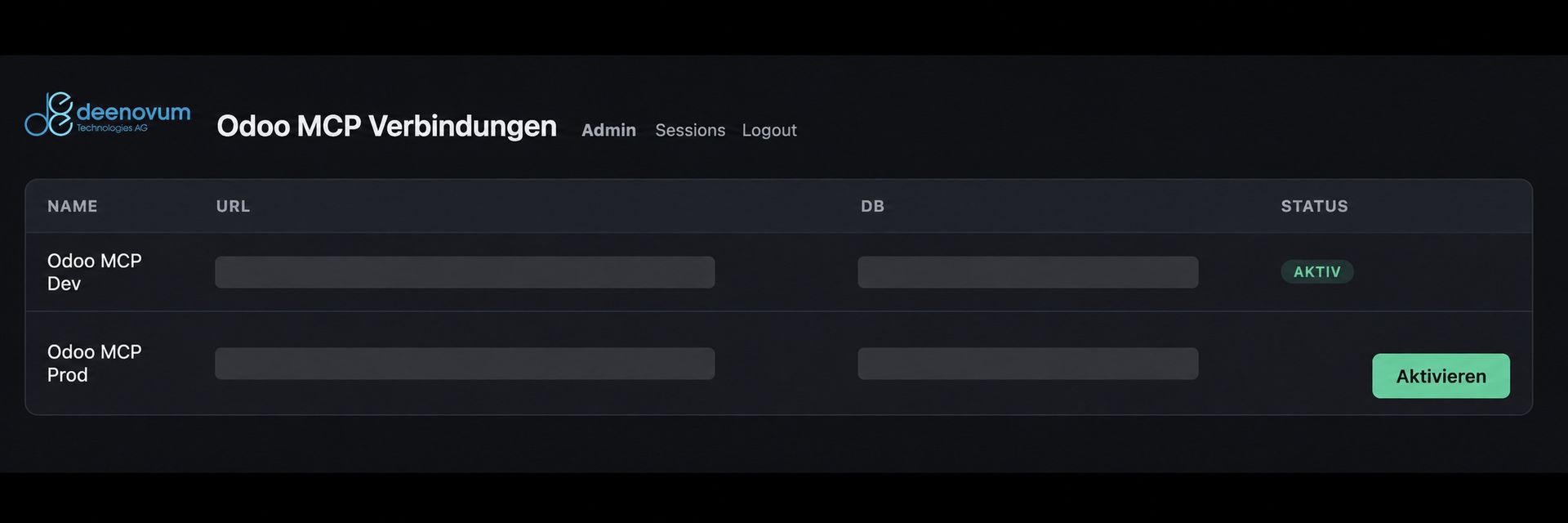
The active Odoo connection is always visible and can be deliberately switched between development and production. Internal connection details have been anonymised in this view.
Control and permissions
AI can only do what you allow.
MCP does not mean unrestricted access. Together we define which data may be read, which analyses may be created and which actions may be performed.
Read
Targeted access to approved Odoo models and fields.
Analyse
Group, compare and summarise with traceable results.
Change
Writing tools only for clearly defined tasks.
Approve
Critical steps remain controlled and reviewable.
Start with one use case
What would you like to ask your Odoo?
Show us a recurring research, analysis or maintenance process. We will assess how to connect it securely to your preferred AI assistant.